



Download Default Music Player – music player, audio player, playlist manager, offline music, music library, track organizer, music app, music software, desktop music player, simple music player
Overview
Default Music Player is a streamlined desktop application designed for users who value simplicity and reliable playback in their music experience. Built with a focus on efficiency, the software enables instant access to personal music collections without the clutter of unnecessary features or distractions commonly found in modern streaming platforms. It serves as a dedicated tool for managing and playing audio files, offering a minimal interface that prioritizes usability and direct access to tracks and playlists.
The software is ideal for individuals who prefer to maintain full control over their music library, including those who rely on downloaded or purchased music files. It supports a wide range of audio formats, ensuring compatibility with most commonly used music files. Whether used at home, at work, or during physical activities like jogging or working out, Default Music Player delivers consistent playback performance and intuitive navigation.
Designed for both casual listeners and dedicated music enthusiasts, the application emphasizes offline functionality, making it a practical choice for environments with limited or unreliable internet access. Its ability to organize music into folders, create custom playlists, and display track artwork enhances the user experience without adding complexity. The developer did not provide additional details about the company or development background.
Key Features & Capabilities
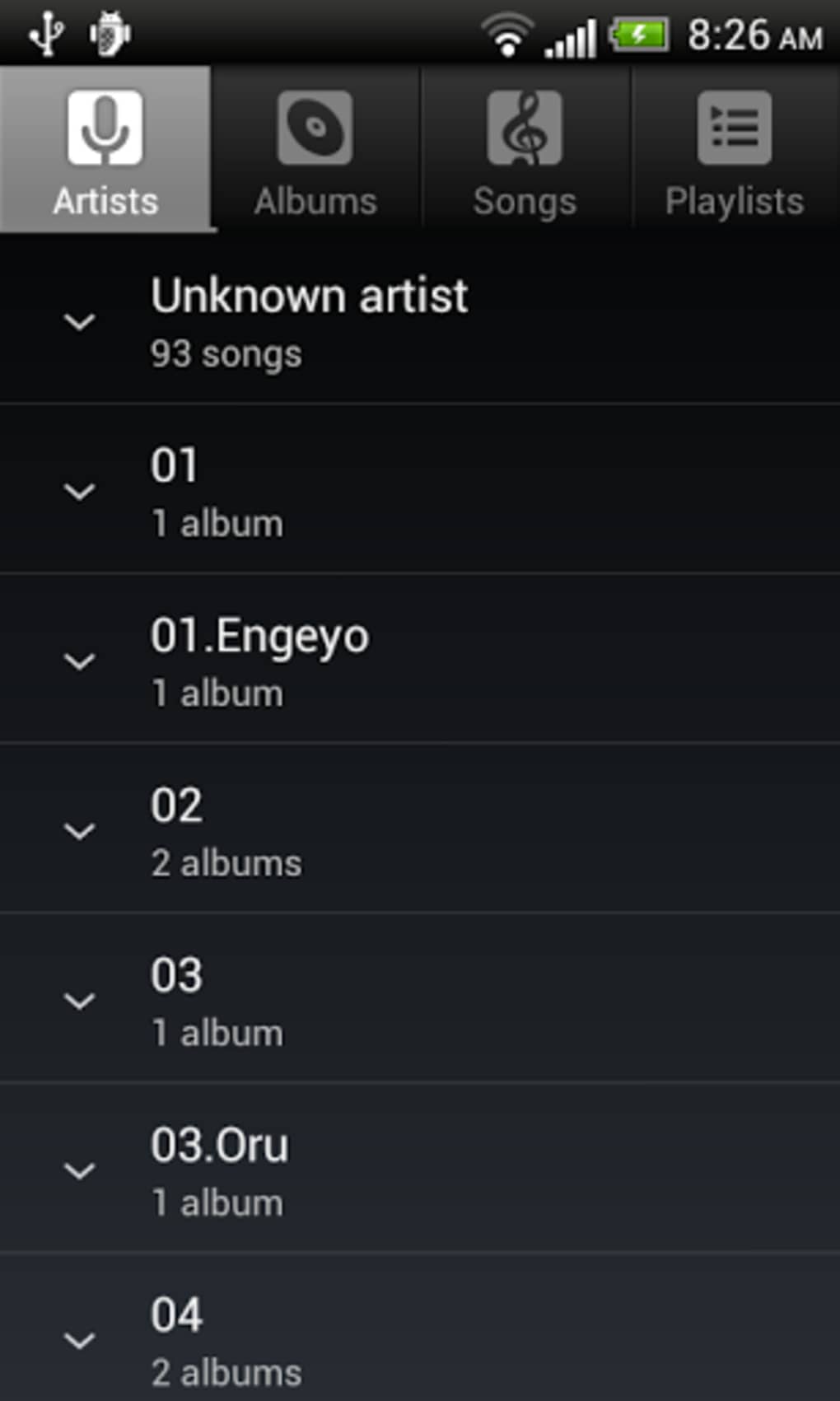
- Simple, intuitive interface – The app features a clean, minimal design that reduces visual clutter and allows users to focus on their music. Navigation is optimized for touch and mouse input, supporting swipe and tap gestures for seamless interaction.
- Playlist and folder management – Users can create, edit, and organize music folders and playlists with ease. This functionality supports personalized music curation and efficient library maintenance.
- Wide file format support – The software is compatible with a broad range of audio file types, enabling playback of music regardless of the source or format.
- Offline playback mode – Designed for use without internet connectivity, the app ensures uninterrupted listening, making it suitable for travel, workouts, or areas with poor network coverage.
- Track artwork and metadata display – The player automatically displays album art and song information, enhancing the listening experience with visual context.
- Online integration (optional) – When connected to the internet, the app allows users to access artist information and discover related tracks, supporting a limited level of social and discovery features.
These capabilities are particularly useful for users managing large personal music libraries, organizing tracks by genre or mood, or creating themed playlists for daily routines. The app’s focus on core playback functions ensures that users can quickly find and play their favorite songs without delays or technical interruptions.
User Interface, Workflow & Performance
The user interface of Default Music Player is structured around a central playback area, with a sidebar for library navigation and playlist management. The layout is consistent and predictable, minimizing the learning curve for new users. Menus are logically grouped, and essential controls such as play, pause, skip, and volume are easily accessible.
Workflow efficiency is enhanced through direct drag-and-drop functionality for adding music files and folders. Users can quickly build playlists by selecting tracks and assigning them to a new or existing playlist. The app supports shuffle and repeat modes, allowing for both spontaneous listening and consistent playback of favorite albums.
Performance details were not specified by the developer. However, based on the application’s lightweight size of 15.7 MB and its focus on core playback, it is expected to operate smoothly on modern systems. The developer did not provide information on CPU or RAM usage, nor on stability under prolonged use. General software behavior patterns suggest efficient resource management, but exact performance metrics remain unverified.
Compatibility & System Requirements
Default Music Player is available for both Windows and Mac operating systems. The current version is 1.0.2, with an installation size of 15.7 MB. The developer did not specify exact system requirements, including minimum processor speed, RAM, or disk space beyond the file size.
Compatibility information was partially provided. While the app is confirmed to run on Windows and Mac platforms, details about specific versions (e.g., Windows 10, macOS Sonoma) were not included. Users should ensure their system meets standard desktop application requirements for smooth operation. The developer did not provide information on hardware acceleration, GPU support, or peripheral compatibility.
Pros and Cons
Pros
- Lightweight at just 15.7 MB
- Free to download and use
- Simple, distraction-free interface
- Supports a wide range of audio file formats
- Excellent for offline music playback
- Intuitive playlist and folder organization
- Fast and reliable playback performance
Cons
- No detailed system requirements provided
- Resource usage (CPU/RAM) not disclosed
- Limited social and discovery features
- Online functionality appears optional and basic
- No information on update frequency or future development
FAQ Section
Is Default Music Player compatible with Windows and Mac?
Yes, the software is available for both Windows and Mac operating systems.
Can I use Default Music Player without an internet connection?
Yes, the app is designed to support full offline playback, making it ideal for use without internet access.
Is the software safe to download and install?
Default Music Player is distributed as a free desktop application. While no security details were provided, the app is available from official channels and does not require elevated permissions during installation.
Does Default Music Player support all audio file types?
The software supports a wide range of audio formats, though the exact list was not specified by the developer.
Is there a license or subscription required to use the app?
No, Default Music Player is free to use with no subscription or licensing fees.
Final Thoughts
Default Music Player delivers a refreshingly focused experience in a market often crowded with feature-heavy, ad-laden applications. By stripping away unnecessary elements, it offers a dependable, lightweight solution for managing and playing personal music collections. Its strength lies in simplicity, reliability, and seamless offline functionality—ideal for users who want to listen to their music without distractions.
While it lacks advanced features like AI recommendations or cloud synchronization, its core capabilities are executed with precision. The intuitive interface, efficient workflow, and broad file compatibility make it a strong contender for anyone seeking a no-frills music player. For those who value control, speed, and a clean design, Default Music Player is a compelling choice.
Download Default Music Player now






.png)
